A useful laptop should get out of the way. The 13-inch MacBook Air with M2 takes that idea literally with a fanless design and a light, compact format. Its appeal is easy to understand; the harder question is which configuration and condition make sense for your work.
- Display
- 13.6-inch Liquid Retina
- Processor
- Apple M2
- Cooling
- Fanless
- Charging
- MagSafe 3
A laptop built around ordinary days
Writing, browsing, studying, and managing a small business are not glamorous benchmark categories, but they are the reason many people need a laptop. This Air is worth considering when the job is mostly portable productivity rather than a sustained workstation workload. Begin with the applications you actually use, including any specialist software required by your employer or course.
The fanless design removes fan noise from the equation. That can be appealing in a library, meeting room, or recording space. It does not mean that a thin laptop is the right tool for every demanding task. If your routine involves long exports or heavy development workloads, assess that workload before prioritizing a slim enclosure.
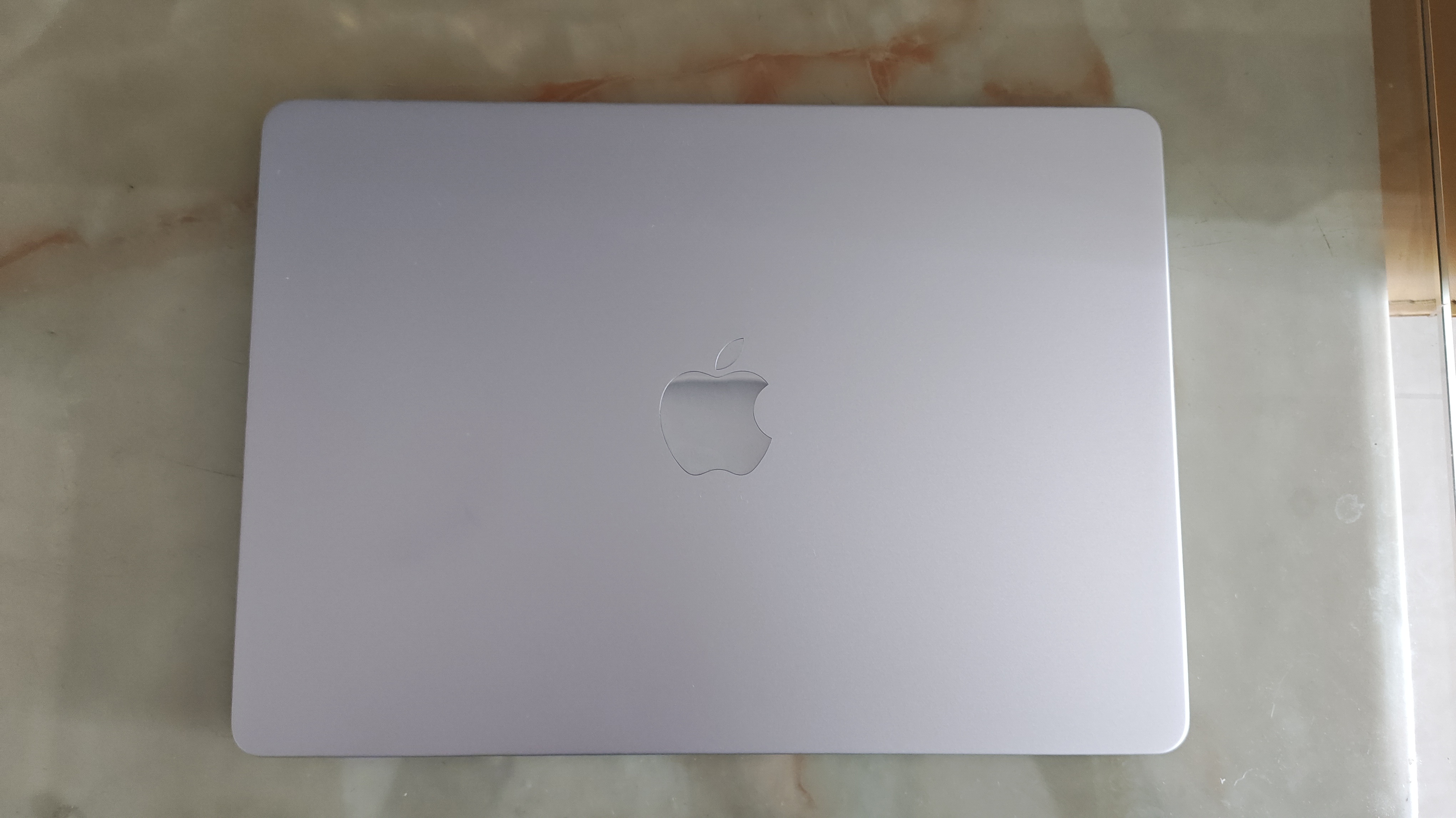
Photo: メイド理世 · CC BY-SA 4.0
The display is only part of the workspace
Apple specifies a 13.6-inch display for this model. A compact panel is easier to carry than a larger one, but it also means less room for side-by-side windows. Think about where you work: someone with a monitor at home has different needs from someone who edits spreadsheets entirely on a train.
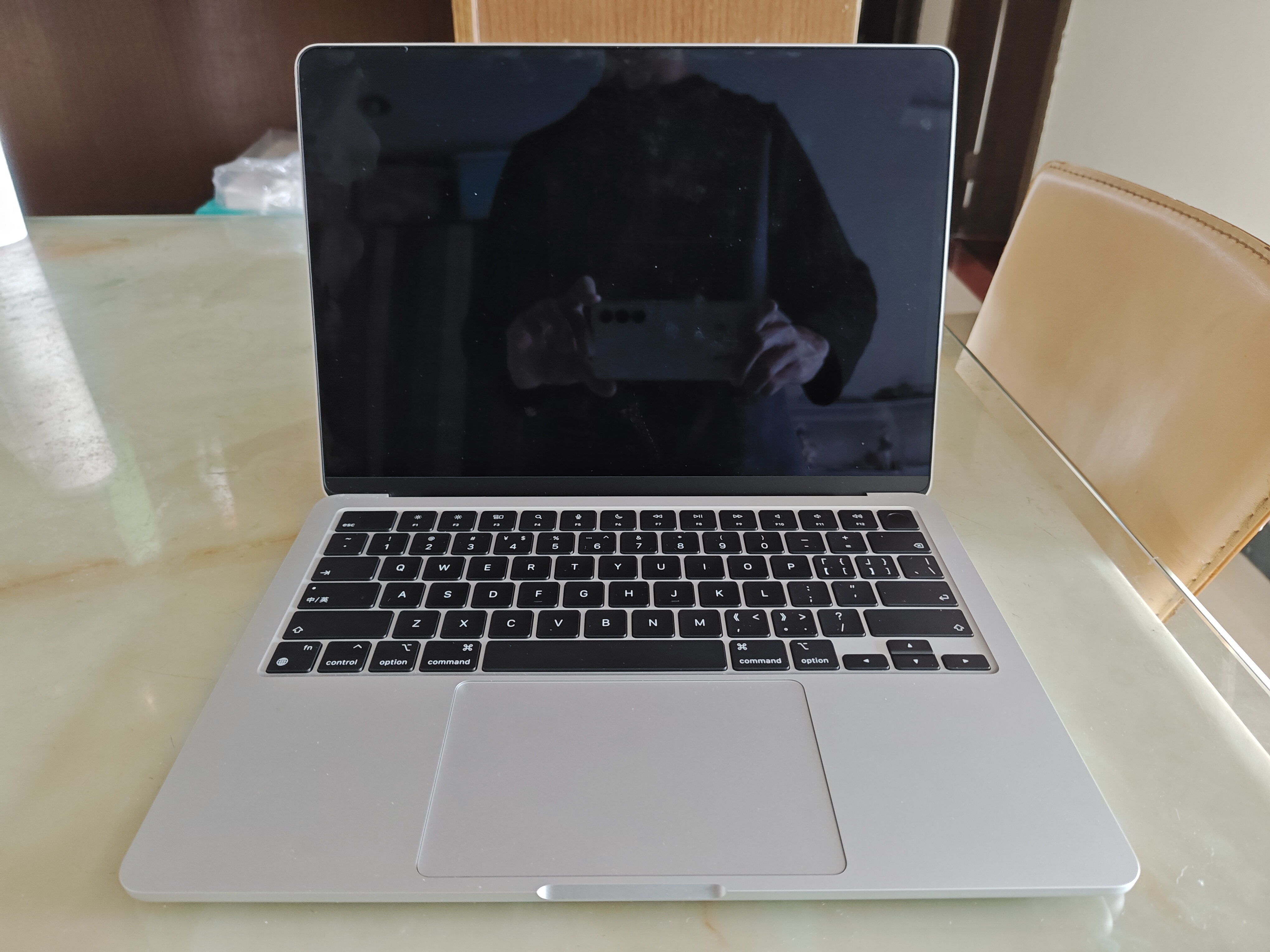
The display notch and the shape of the screen are visible in product photos, while reflections depend on the room around you. If possible, inspect a used unit in a bright room and on a plain background. Check for marks, uneven appearance, and damage near the hinge rather than relying on an attractive desktop wallpaper.
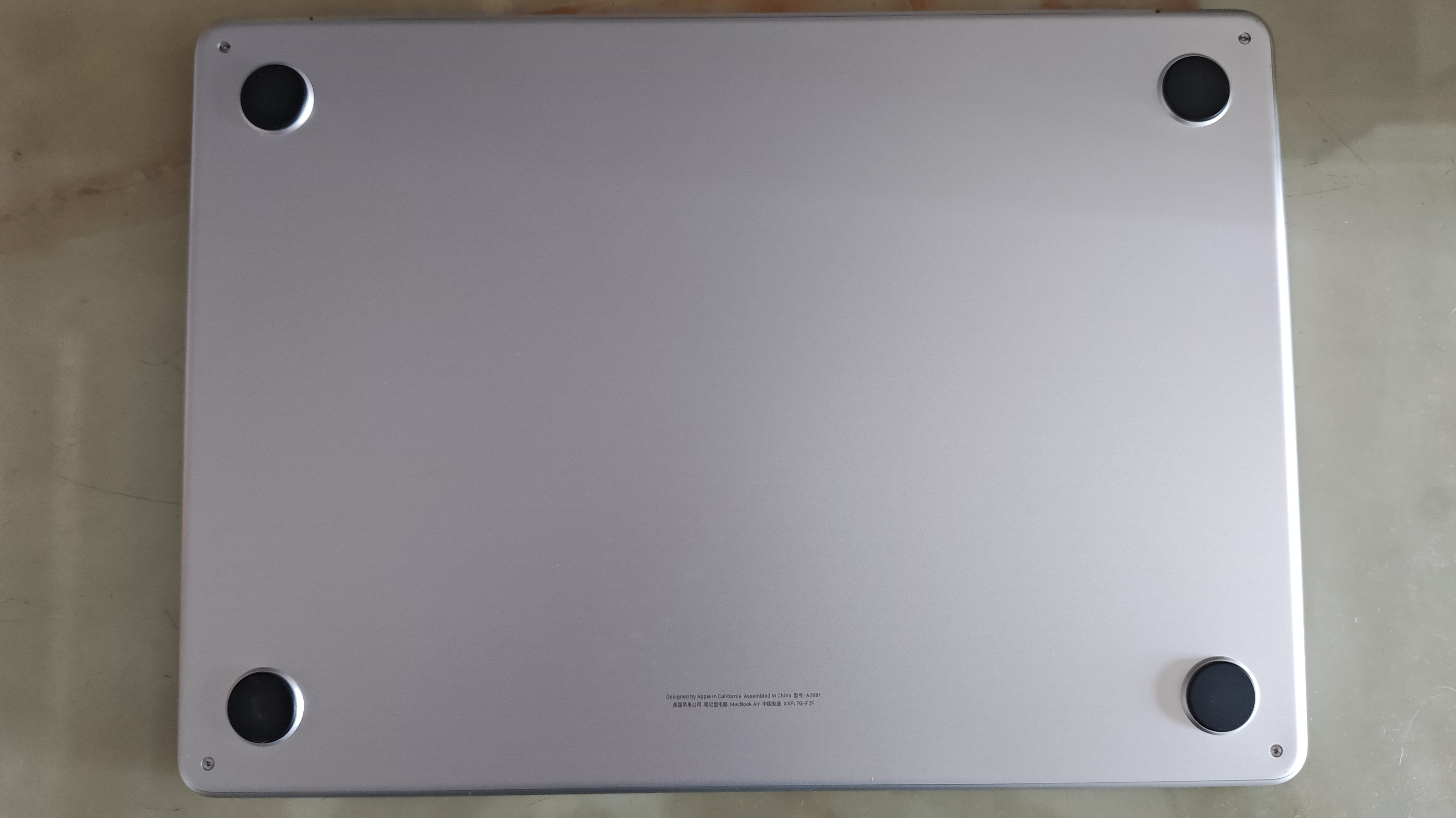
Photo: メイド理世 · CC BY-SA 4.0
Ports and configuration deserve attention
MagSafe charging leaves the two Thunderbolt / USB 4 ports available for accessories. That is a useful separation, but the port selection is still limited. An external display, card reader, storage drive, and wired network connection can quickly turn into a dock purchase. Put those accessories into the budget rather than treating them as an afterthought.
Memory and storage should be chosen before purchase; plan around the configuration being effectively fixed. A good price on the wrong configuration is not a good deal. List the files you keep locally, the applications you run together, and how long you expect to keep the machine before deciding what is enough.
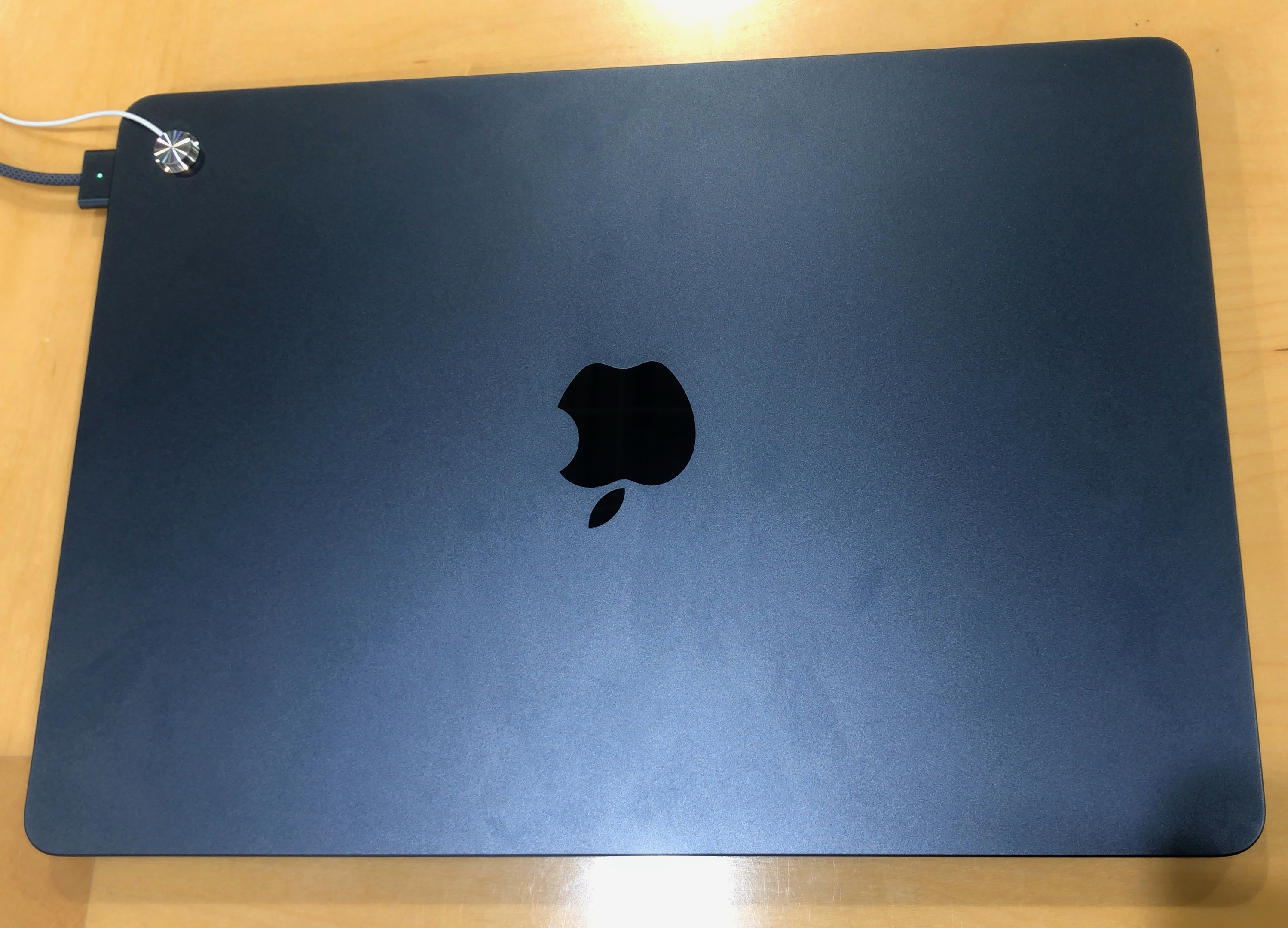
Photo: KKPCW(Kyu3) · CC BY-SA 4.0
Buying older hardware thoughtfully
This review concerns the 2022 M2 model, not the current MacBook Air lineup. Older hardware can make sense when its capabilities match your needs, but its original launch positioning is not a guide to its present value. Compare the total cost, warranty, battery condition, and return terms with newer or refurbished options.
For a second-hand Mac, confirm that the seller can remove Activation Lock and any organizational management before you complete the purchase. Inspect the keyboard, ports, charger, and display. Ask for the battery information and test your essential applications within the return period. Those checks can matter more than a small difference in processor specifications.
The trade-offs
What works
- Fanless design avoids fan noise
- MagSafe charging keeps USB ports available
- Compact format for portable everyday work
What to consider
- Only two Thunderbolt / USB 4 ports
- Memory and storage configuration need to be chosen carefully
- Older units require battery and ownership checks
Who should buy it?
This Air is a sensible candidate for writers, students, and office users whose applications support macOS. It is less convincing for buyers who need many built-in ports, easy component upgrades, or a machine dedicated to sustained intensive workloads.
The APTILCAT verdict
A considered choice.
The M2 Air is best judged as a practical tool, not a status purchase. Choose enough memory and storage for your actual routine, budget for any adapters, and compare a used unit with warrantied alternatives before deciding.
Sources & transparency
Apple: official specifications for this exact model. Consult the manufacturer for software requirements, compatibility, and complete qualifications.
Specifications checked November 17, 2026. Manufacturer claims are not independent measurements. We have not verified a current selling price or stock level. Image sources and individual licenses appear beneath each photograph and on our Image Credits page.
We received no payment for this article. This page contains no affiliate tracking links. Read our disclosure.